Free Tools

Tools I built to make the work faster.

Beyond the edit, I vibe-code small media utilities to remove the friction from everyday production work. They all run 100% on your own device: no accounts, no uploads, nothing sent to a server.

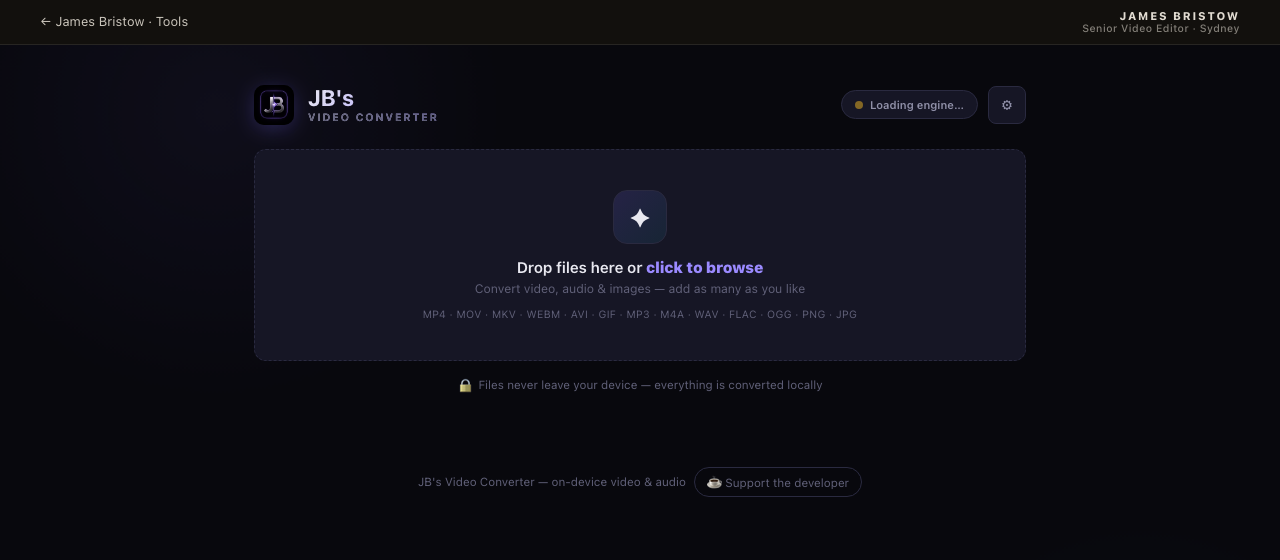
JB's Video Converter interface Runs in your browser

JB's Video Converter

Convert, compress, crop, trim and reformat video, audio and images, right in the browser. Drop in a batch, pick a preset, done.

  • 14+ formats: MP4, MOV, MKV, WebM, GIF, MP3, WAV, PNG and more
  • One-tap presets for Reels 9:16, Square, X, WhatsApp and Discord 25 MB
  • Visual crop & trim, scale to 4K, target file size and quality control
  • Powered by ffmpeg.wasm, so files never leave your machine
Launch converter Best in Chrome or Edge
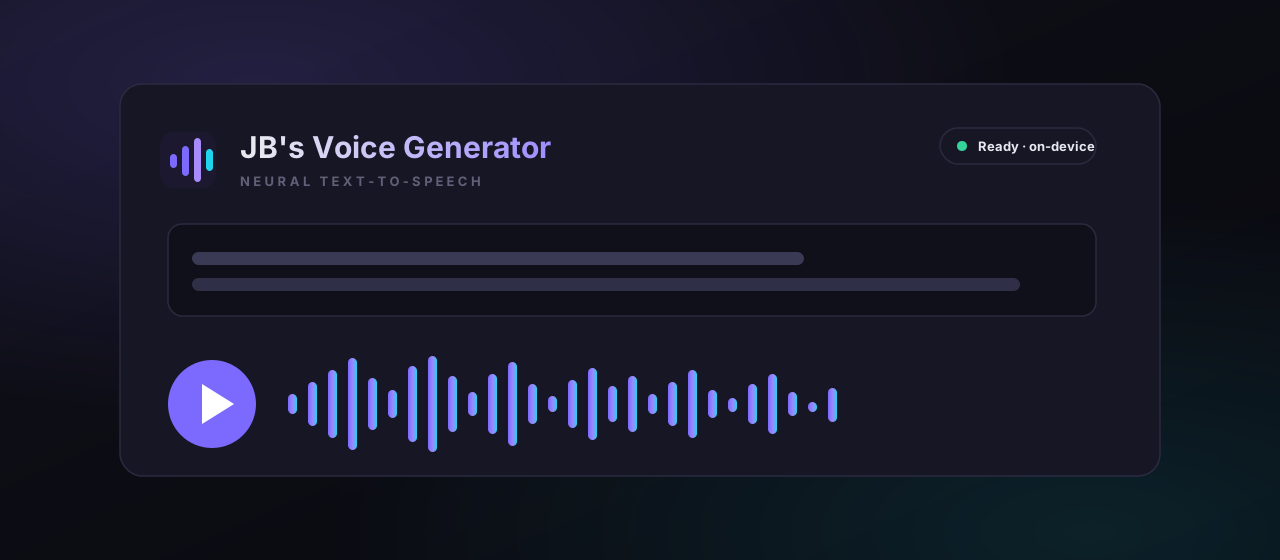
JB's Voice Generator interface Runs in your browser

JB's Voice Generator

Turn any text into natural, neural speech, free and private. Lifelike voices synthesize right in the browser, with read-along highlighting as each word is spoken.

  • Lifelike neural voices that run entirely on your device
  • Read-along highlighting with custom pauses and pacing
  • Export your narration as an audio file in one tap
  • Optionally polish your script with the AI provider of your choice
Launch generator Best in Chrome or Edge
JB's Stem Splitter interface Runs in your browser

JB's Stem Splitter

Split any song into Vocals, Drums, Bass & Other with real AI (Demucs), right in the browser, nothing uploaded. Prefer it faster? Grab the free desktop app.

  • Studio-grade AI (HTDemucs) via WebGPU, or an instant DSP mode
  • Synced multitrack mixer: solo, mute, scrub and preview stems
  • Export stems as WAV or MP3, one at a time or as a ZIP
  • Free desktop app runs Demucs natively for much faster splits
Launch splitter Best in Chrome or Edge
JB's Video Downloader interface Local app · free download

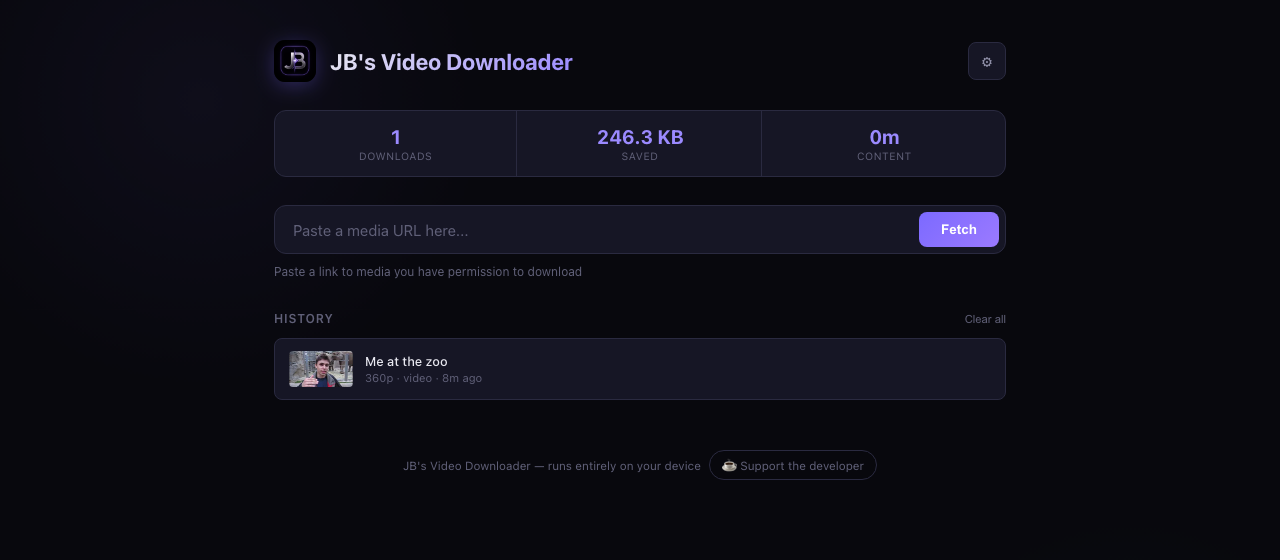
JB's Video Downloader

A private downloader for video and audio from 1000+ sites, powered by yt-dlp + ffmpeg. It runs as a tiny app on your own machine, so every download stays yours.

  • YouTube, Vimeo, TikTok, X/Twitter and 1000+ more
  • Any quality up to 4K, or one-tap MP3 at 320 kbps
  • Live speed, ETA, download history and running stats
  • 100% on your device, so nothing is sent to a remote server
View tool & setup Double-click to run · Win/Mac/Linux
Why local

Private by design.

The same principle behind good post: keep control of your files. These tools do the work on your hardware, not in someone else's cloud.

On-device

Your files stay yours

Conversions run in your browser; downloads run in a local process. Nothing uploads.

No accounts

Nothing to sign up for

No logins, no telemetry, no paywalls. Open it and use it.

Practical

Built for real delivery

Presets and formats that match the platforms and limits you actually ship to.

Open

Yours to run

The downloader ships as source you can read and run yourself. No black box.

Availability

Need someone who builds as well as edits?

Freelance editing, direction, motion and finishing from Sydney, with the engineering instinct to streamline the pipeline around it.

Start a conversation